
How it works
One job, from the first email to the money in your bank.
Nine steps, in the order the software does them, on the web and on iPhone. Android isn't launched yet.
Step 1 · Web
The enquiry lands in your Inbox and becomes a job.
Connect your Gmail and emails group by job. Create job from email fills in the customer and the work.
Step 2 · Web
The quote gets built by speaking or by typing.
Press Record voice, describe the job, then Autofill with AI. The priced lines come back editable, at typical UK trade prices rather than a live supplier feed.
Step 3 · Web
The quote goes out.
The customer gets it by email. No portal to register for, no chat to watch.

Step 4 · Web
It goes on the calendar with a name against it.
Drag the job onto the day and click an avatar to assign it. Staff see only their own jobs, and never what they're worth.
Step 5 · Phone
The record fills itself in on site.
The engineer adds notes and photos from their phone. They land in the office Inbox.
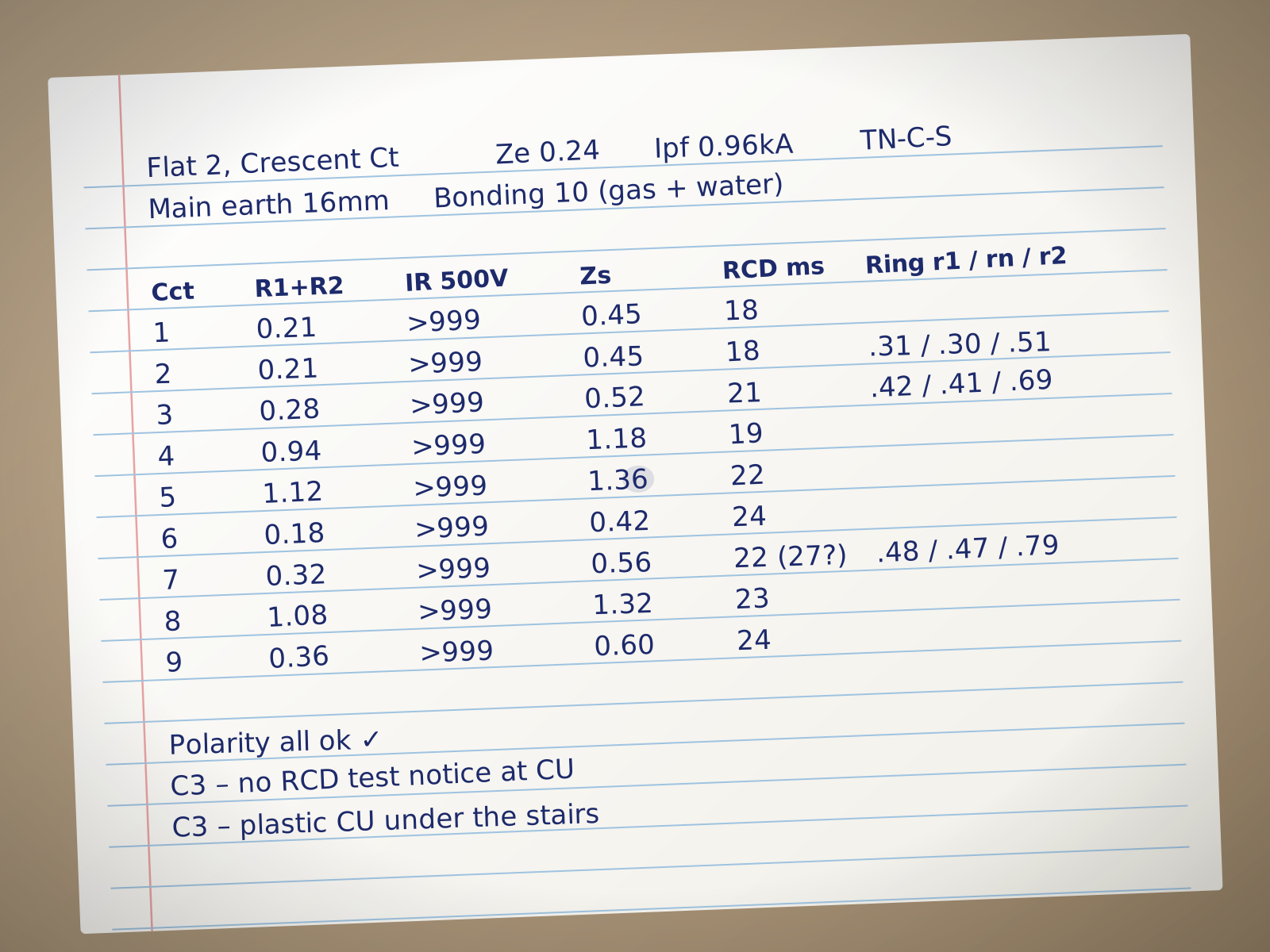
Step 6 · Phone and web
The certificate gets filled on site.
Talk through the install or photograph the board, and AI drafts the header, a row per way and the observations. You check every field and sign, so nothing is issued in your name unread.
Step 7 · Web
The invoice follows the quote.
Mark the job complete and the invoice sends itself with the quote’s amount. That needs a connected bank, an amount and a customer email, otherwise you send it.
Step 8 · Customer
The customer pays by card without leaving the page.
The pay link opens a plain page with a card field, no account needed. Paid in cash or by transfer, you mark it paid yourself.
Step 9 · Money
The money goes to your bank, and we take 3.9%.
Payments settle into your firm's own bank account, and we hold nothing. The software itself is free.
3.9%
taken when an invoice is paid through the app, and only then
£0
on cash or bank transfer
£0
a month for the software, at any headcount
No subscription and no seat fees. See the pricing page for the details.
SPARK
SPARK can do most of that for you, and it always asks first.
Ask it in plain words and it acts as you, with your permissions. It never starts on its own, and only reads your email if you turn that on.